
You can now use Postrooster from inside your own AI app. Connect ChatGPT, Claude or another AI app that supports MCP with one link, then ask in your own words and your AI writes, schedules and publishes your posts in Postrooster.
Who is it for?
Shop owners, agencies, creators and solo founders. MCP is the standard way AI apps connect to other tools, and in ChatGPT and Claude there is nothing to code or install.
How do you start?
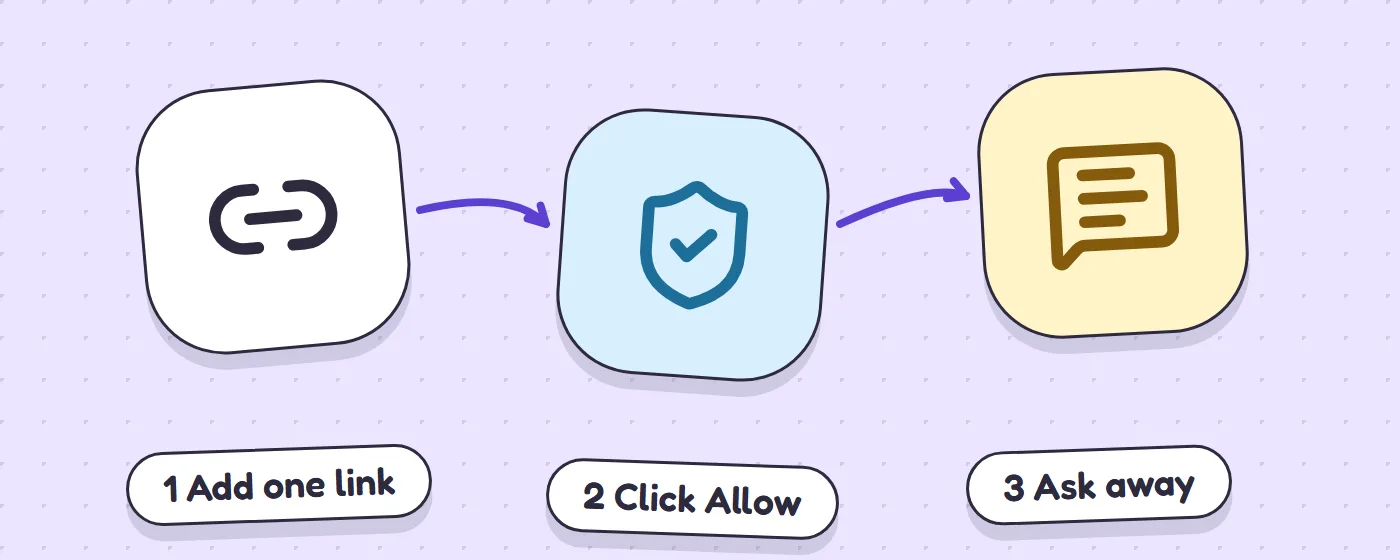
You connect your social accounts in Postrooster itself, not in the AI app. Then:
- Add one link in your AI app's settings, where you add a connector or an MCP server:
https://postrooster.com/api/mcp. Pasting it into a chat does not connect it. - A Postrooster page opens. Sign in and click Allow.
- Ask, for example: "Write a post about our new opening hours and save it as a draft." Then: "Schedule it for tomorrow at 9 on Instagram and Facebook."
Who stays in control?
Your AI follows what you ask: it publishes now only when you ask, schedules when you give a time, and otherwise saves a draft. Your AI is told to make images and videos in the Studio only when you ask for it by name, for example "in Postrooster". Everything it makes is marked with the app's name, and under Settings, AI apps you can disconnect any app at once.
What does it cost?
Connecting and posting through your AI costs nothing extra and is part of every Postrooster plan. Studio images and videos cost credits, as in the app, and so does an X post with a link.
Steps for your AI app: Post with your AI. More apps: integrations.